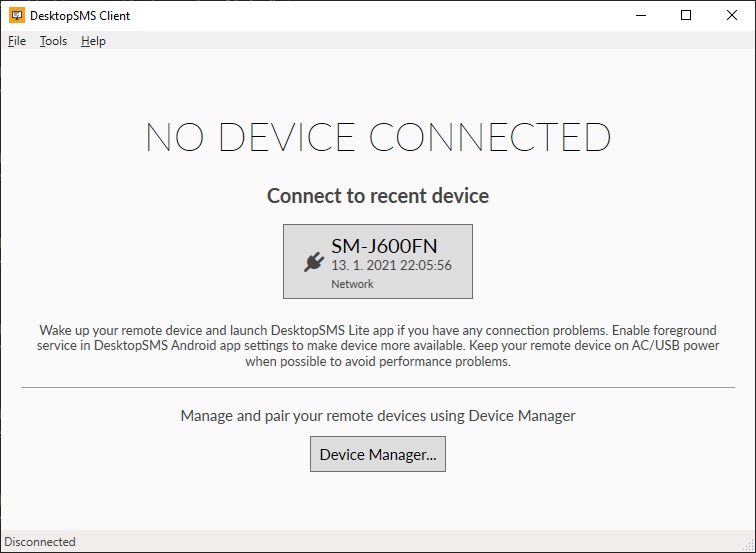
DesktopSMS synchronizes SMS and MMS between your Android phone and Windows PC, letting you manage all your conversations right from your computer. Browse the screenshots below to see the interface in action — from the desktop client to the Android companion app.
DesktopSMS Overview
DesktopSMS Client for Windows
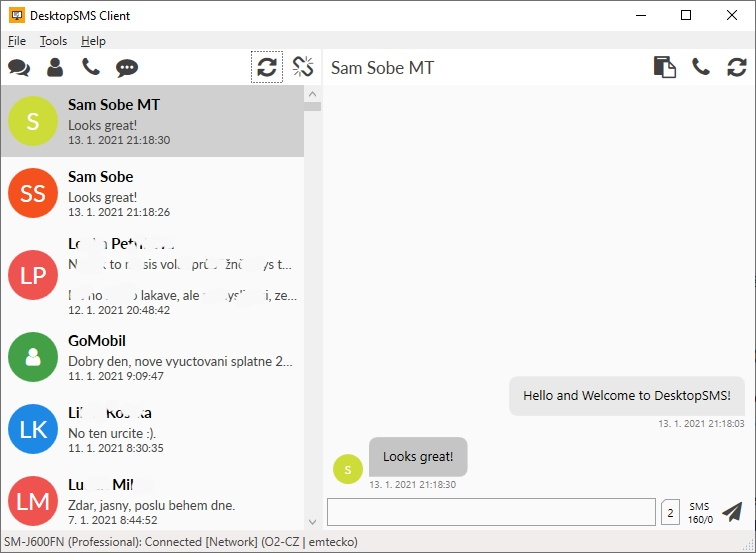
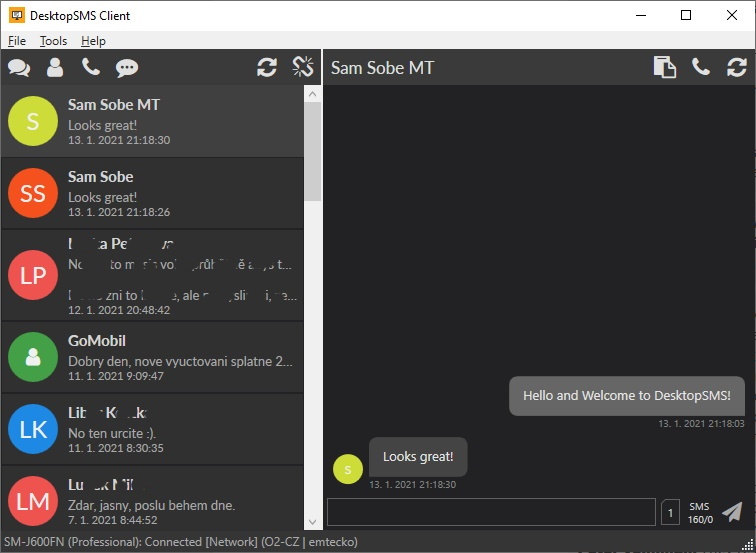
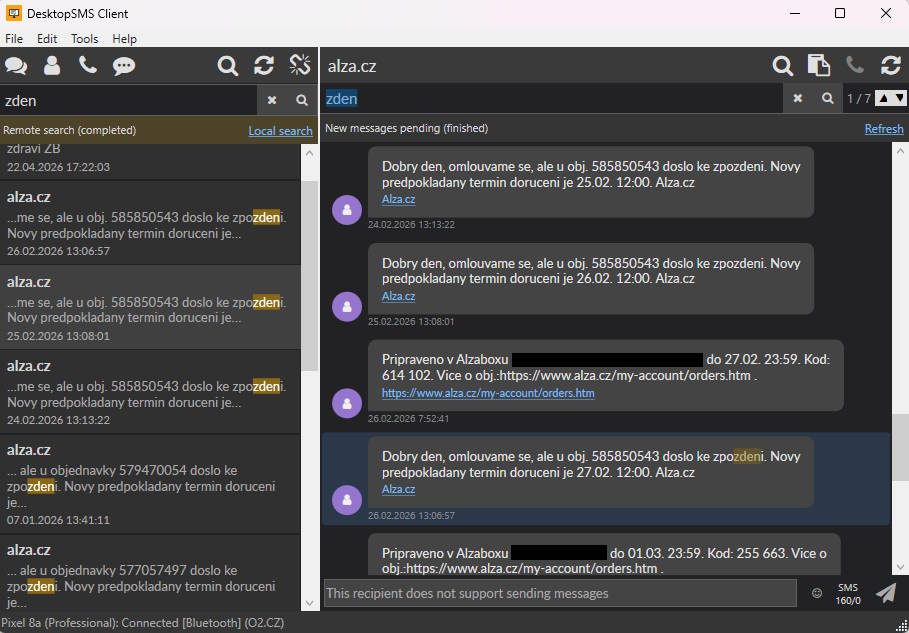
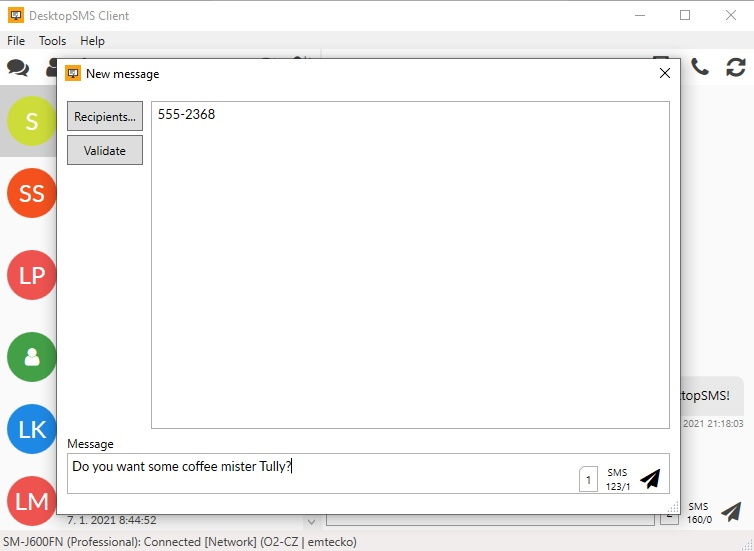
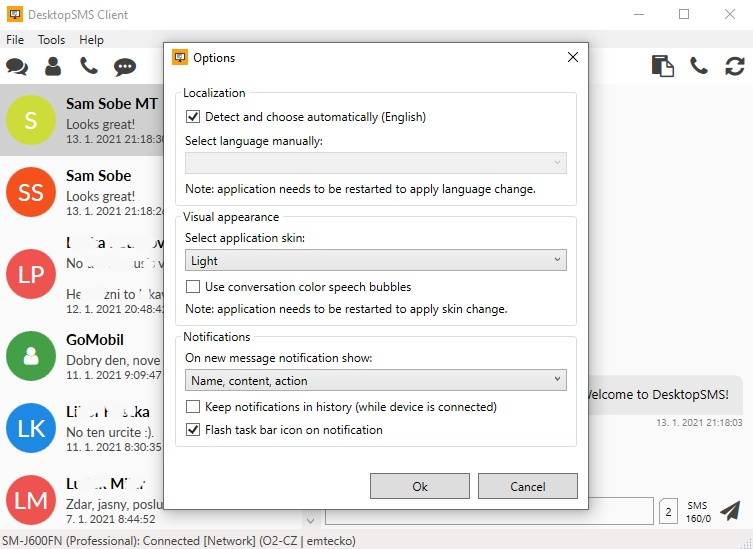
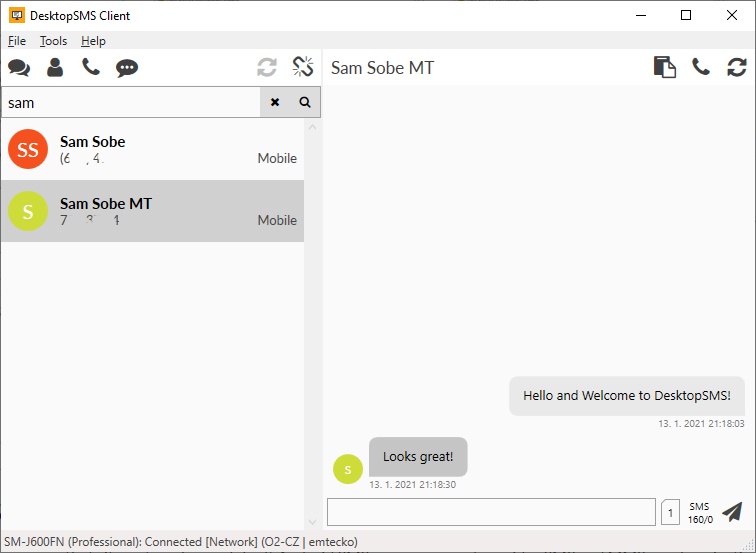
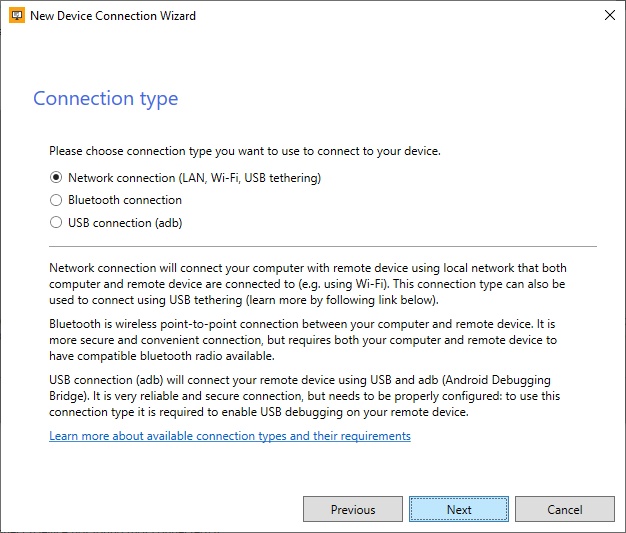
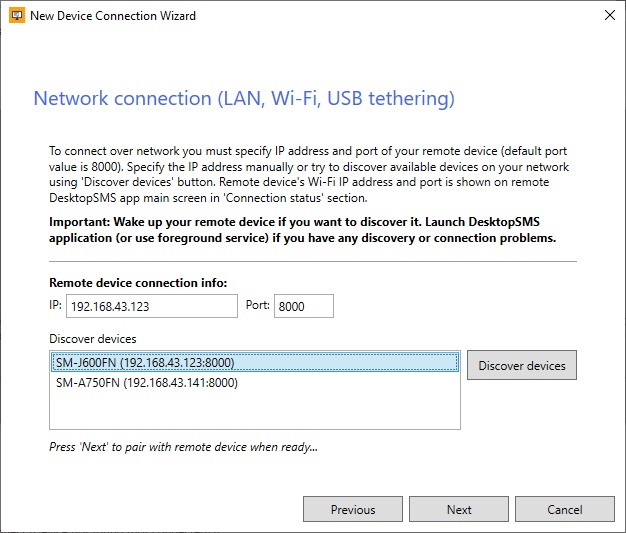
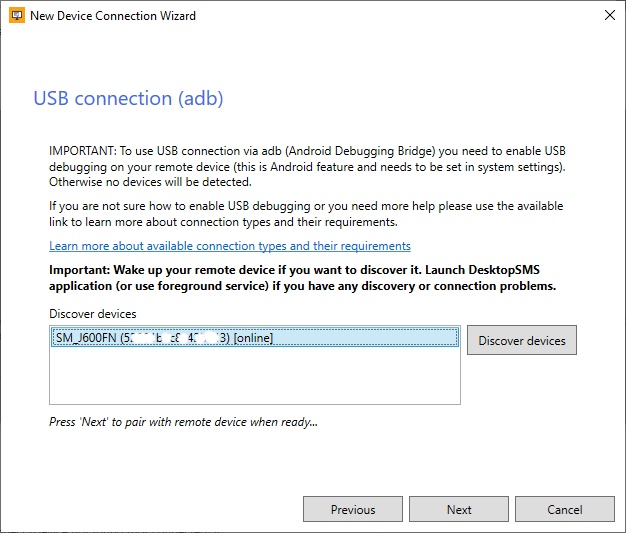
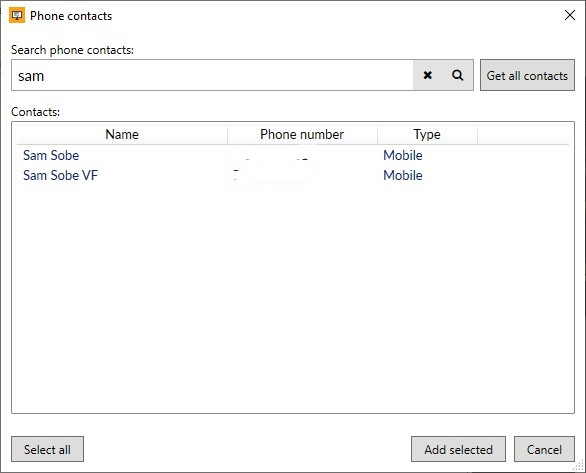
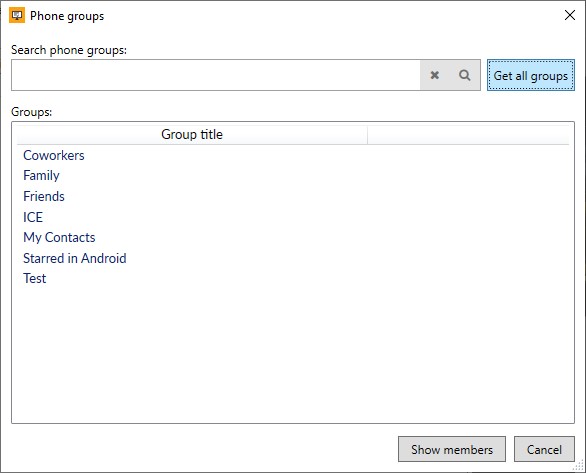
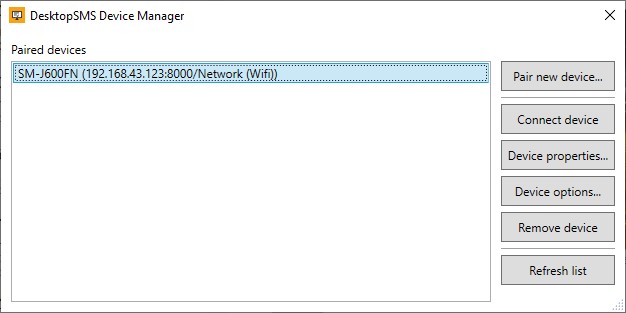
Below, you'll find screenshots of the client application used to interact with your conversations and SMS/MMS messages on your remote Android device.
DesktopSMS Lite for Android
DesktopSMS Lite functions as an overlay for your default Android SMS messenger, facilitating synchronization of SMS and MMS with the DesktopSMS Client. It does not operate independently as a messenger but instead offers comprehensive functionality tailored for use with the DesktopSMS Client.
The app's user interface allows you to configure all settings and also enables you to review both pending and sent messages.


